Reference image
Dance video
Side steps and arm swings with both feet in view.
Upload a person or character photo, then choose a dance template or upload your own motion video. Generate a dance clip and review the movement before sharing.
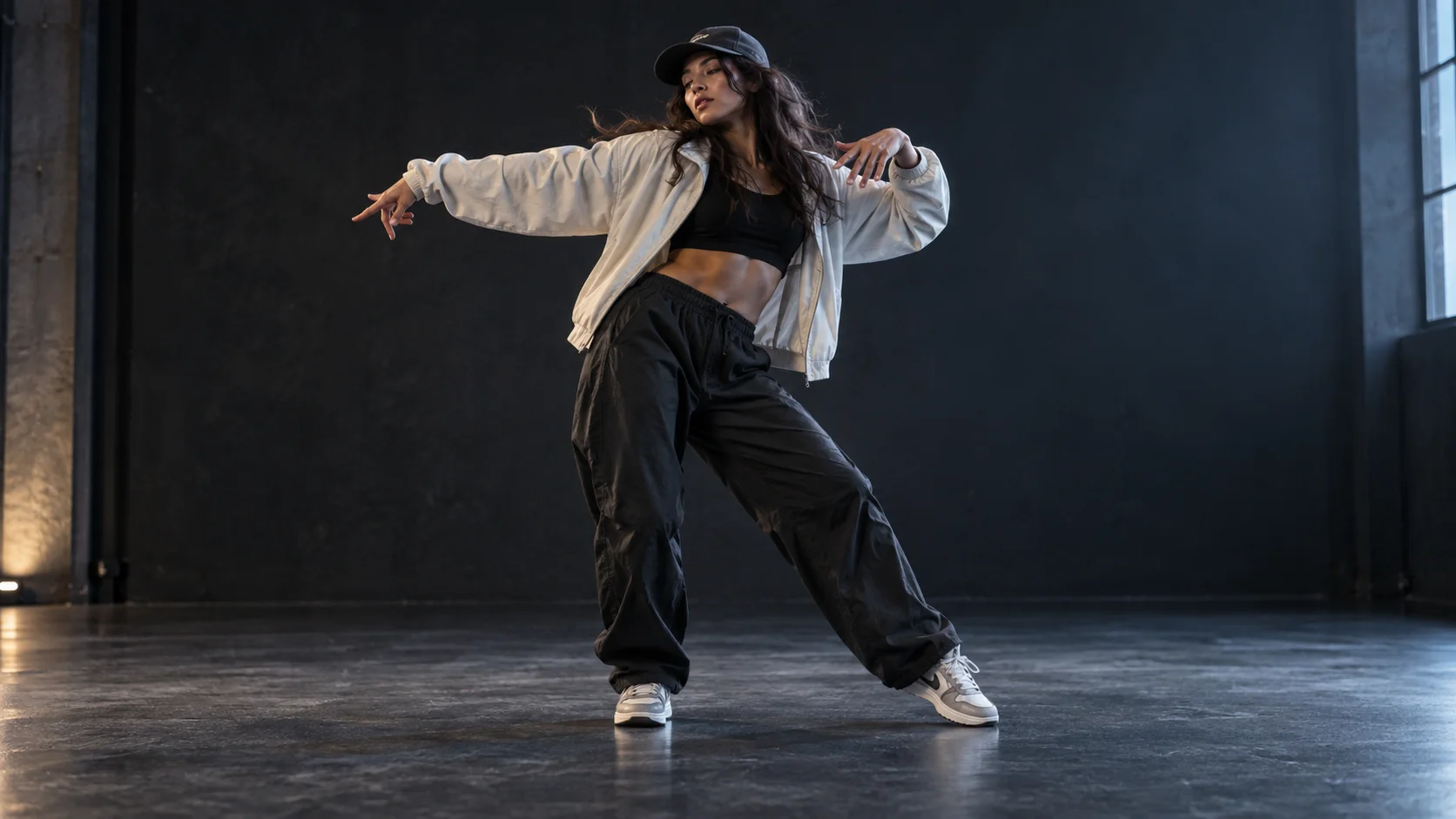
Compare the reference images with three existing dance video examples. These are earlier showcases, not new results from the current motion-reference workflow.
Side steps and arm swings with both feet in view.
Shoulder movement and gentle swaying in a waist-up shot.
A stylized character performs playful steps and finishes with a wave.
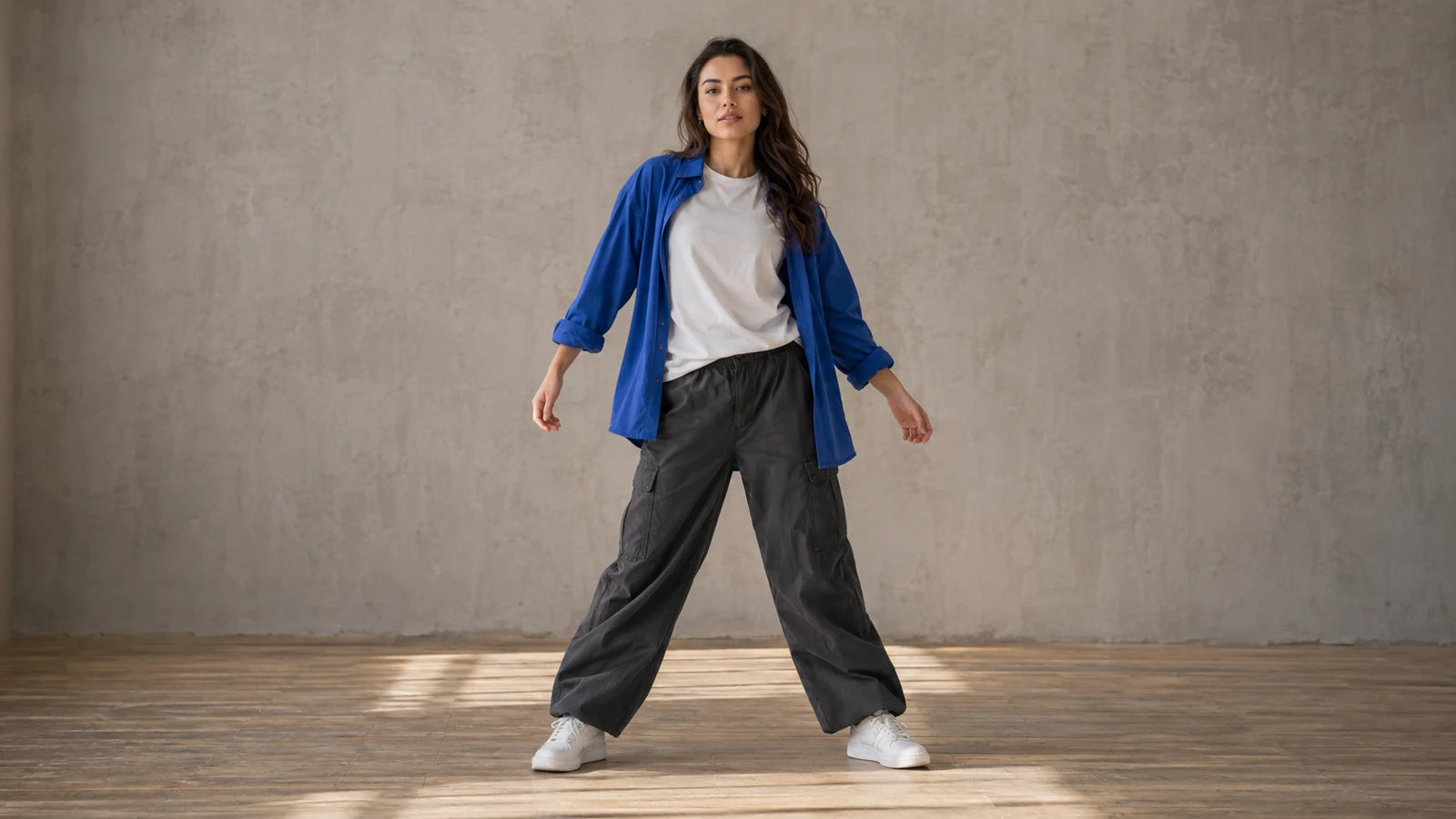
Upload one clear person or character photo, or try a sample. Use a full-body image for steps, turns and footwork.
Keep the whole body and shoes in view, with enough space for the movement in your reference video.
Choose a motion reference with shoulder, head or hand movement that stays inside the portrait framing.
Upload a character with a clear silhouette and choose a short, readable motion sequence. Results depend on the image and selected model.
Upload one clear person or character photo, or try a sample. Use a full-body image for steps, turns and footwork.
Choose a dance template or upload a motion reference video within the supported upload limits. Use a steady shot with one visible performer. The photo guides appearance; the video guides movement.
Review the displayed credit cost, then generate your 720p dance video. Watch the face, hands, body proportions and foot contact before downloading or sharing.
Both options use one photo and one motion video. No written instructions are needed.
Output is fixed at 720p and duration follows the reference video. Available aspect ratios and media limits depend on the model. Changing models keeps your media; replace any files marked incompatible.
Watch the face, hands, body proportions and foot contact. If movement breaks down, choose a clearer photo or a simpler motion reference and try again.
This tool requires one photo and one motion video. Use a dance sample if you do not have your own reference clip.
Use a full-body image for steps, turns and footwork. A waist-up portrait is better suited to shoulder, head and arm movement. Keep the requested motion inside the visible framing.
Yes. Upload a clear motion clip with one visible performer. Check the supported format, file size and duration shown for your current settings before uploading.
Generation uses credits. The cost varies with your settings and reference video duration. Review the amount shown in the workspace before clicking Generate.
Treat the video as guidance, not a frame-by-frame guarantee. Fast spins, overlapping limbs and complex footwork can change or introduce artifacts. Review the output before sharing.
Upload a character with a clear silhouette and choose a short, readable motion sequence. Image clarity and the motion reference affect the result; review it before sharing.
Choose a model, upload a person or character photo, then select a dance sample or upload a motion reference video. The tool handles the instructions for you.

Transform an existing video with AI. Upload a source clip, describe what to keep or change, and explore new styles, lighting, and environments.

Guide a new shot with image, video, and audio references. Assign each asset a clear role for character, product, scene, motion, camera, or rhythm, then generate and review the result.
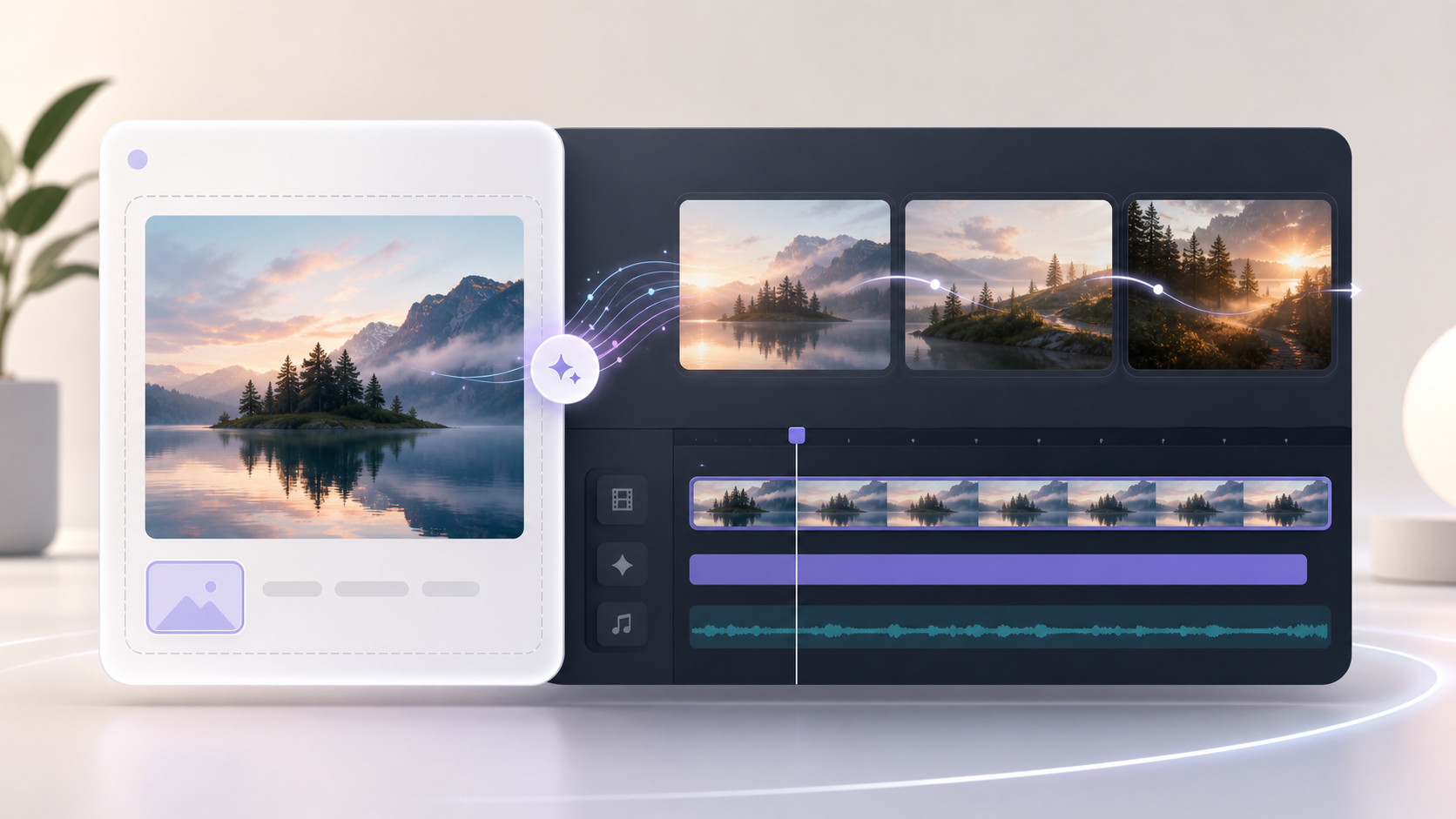
Animate one image when you only need a starting frame and motion prompt.
View the available plans for different creation workflows.
Choose a model, upload a person or character photo, then select a dance sample or upload a motion reference video. The tool handles the instructions for you.