AI Creation Resources
A growing home for LumiYing creator knowledge. Use it to understand new models, compare options, plan projects, and turn rough ideas into better AI videos and images.
Featured Resources
Find background, comparisons, references, and tools that help you decide what to use before you start creating.
GPT Image 2.5 Tutorial
Follow this GPT Image 2.5 tutorial to create a skincare poster, edit its background and make a vertical version, with copyable prompts and fixes.
GPT Image 2 vs GPT Image 2.5
Compare GPT Image 2 and GPT Image 2.5: reference editing, Flare and Sunburst modes, five quality levels and LumiYing credit prices.
How to Write AI Image Prompts
Use a seven-part visual brief, five-step workflow, and 10 explained examples to write more controllable AI image prompts.
Seedance 2.5 Tutorial
Plan 30-second timelines, map up to 50 references, and write more controllable Seedance 2.5 prompts.
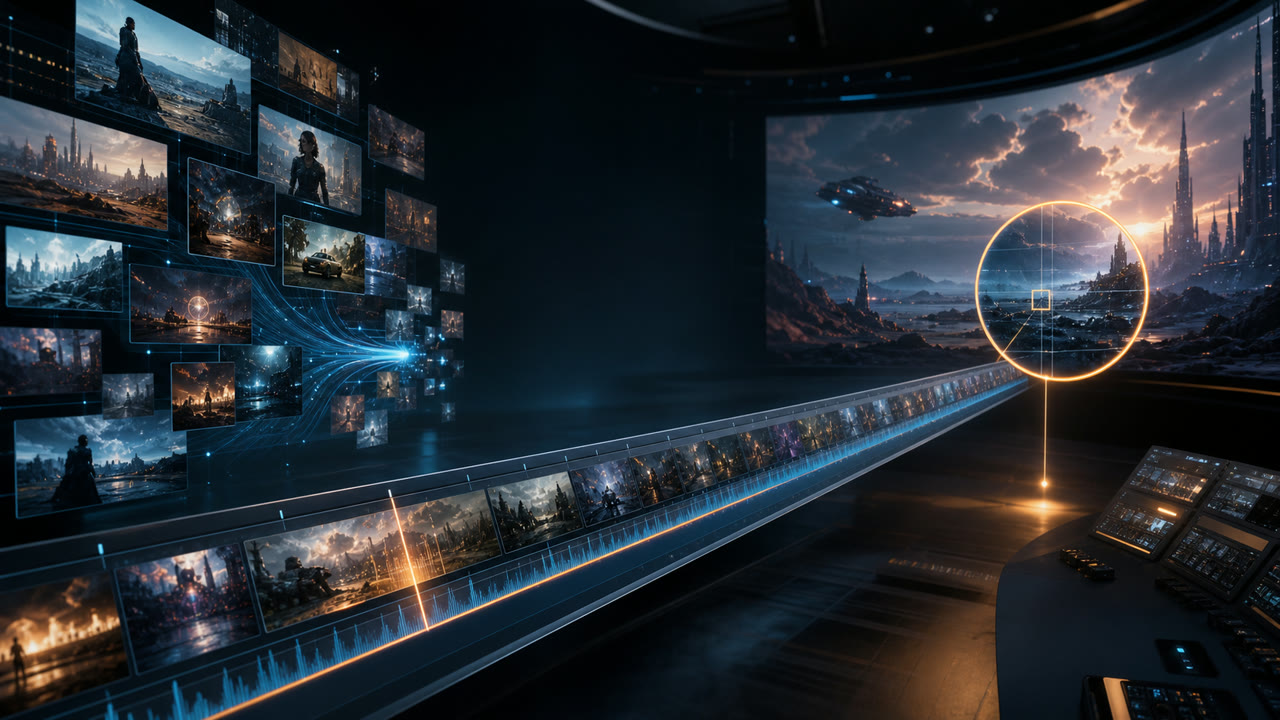
Seedance 2.0 vs Seedance 2.5
Compare available Seedance 2.0 and 2.5 models with side-by-side videos, identical prompts, feature differences, and practical model-selection guidance.
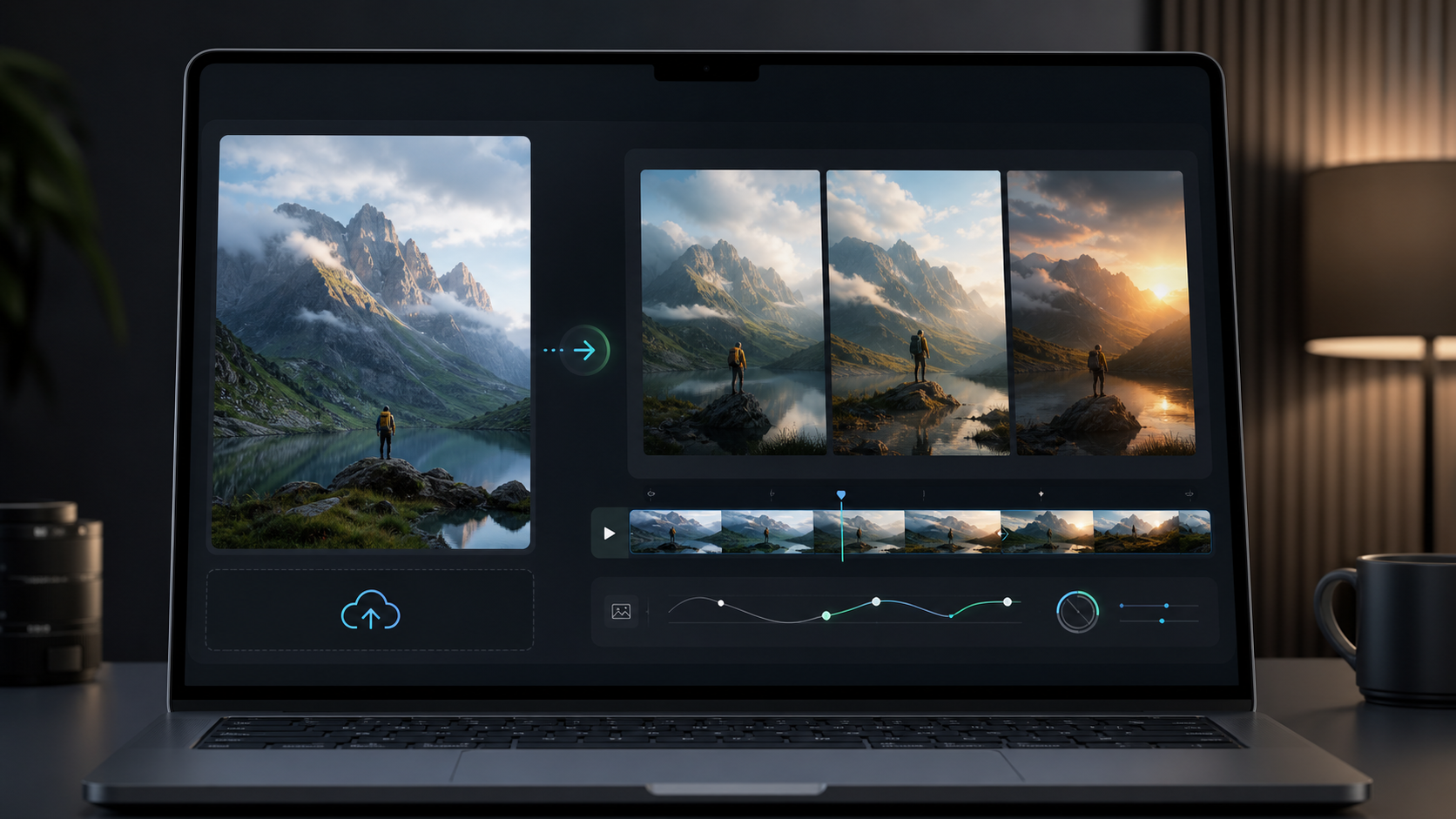
How to Turn an Image Into a Video With AI
A practical workflow for choosing a source image, writing motion prompts, and refining image-to-video AI results.
How to Turn Text Into Video With AI
A practical prompt formula, four-step workflow, and worked examples for creating AI video from text.
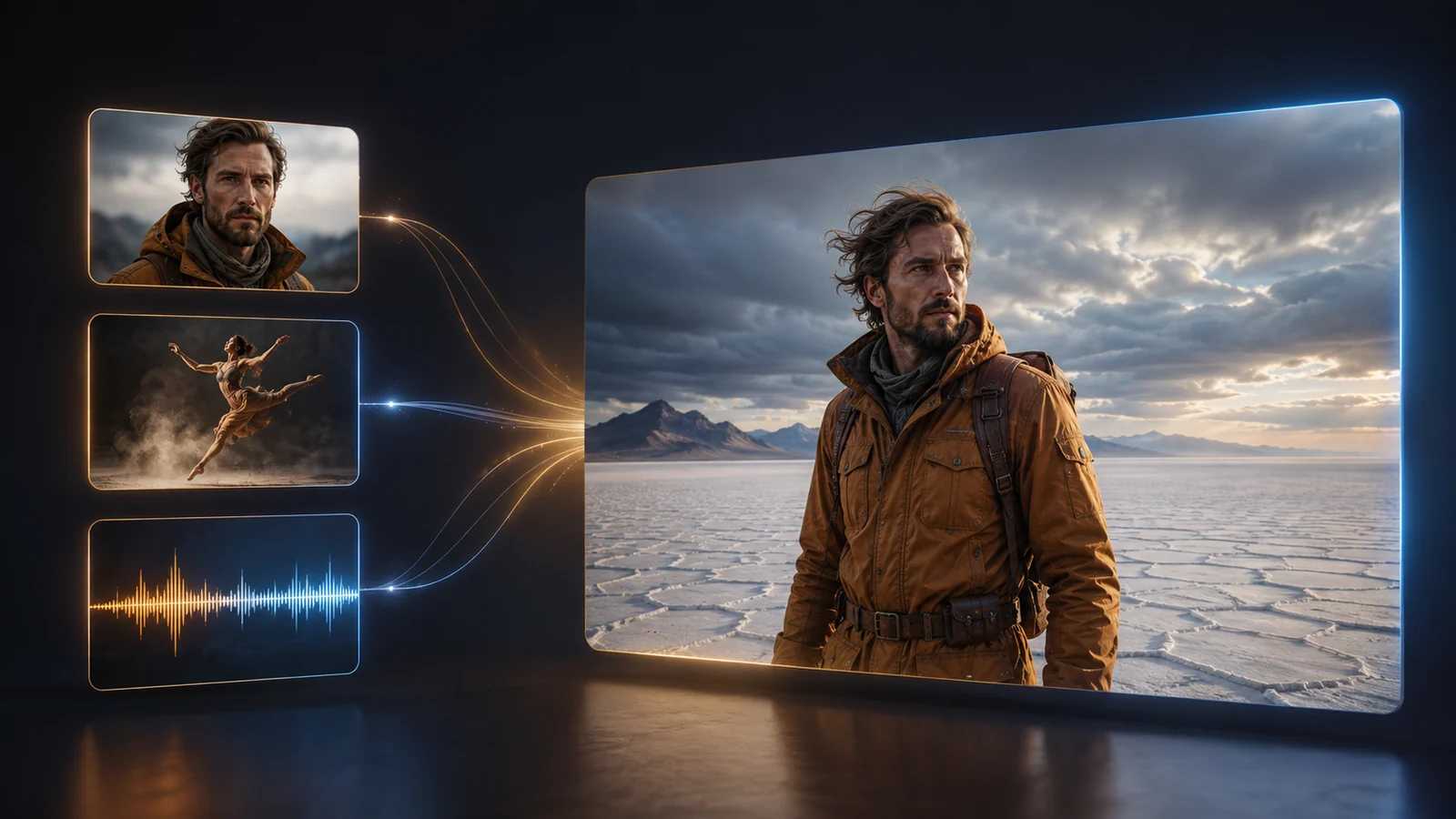
How to Use Reference to Video AI
A practical guide to multimodal references, @ asset roles, conflict avoidance, prompting, and one-variable iteration.
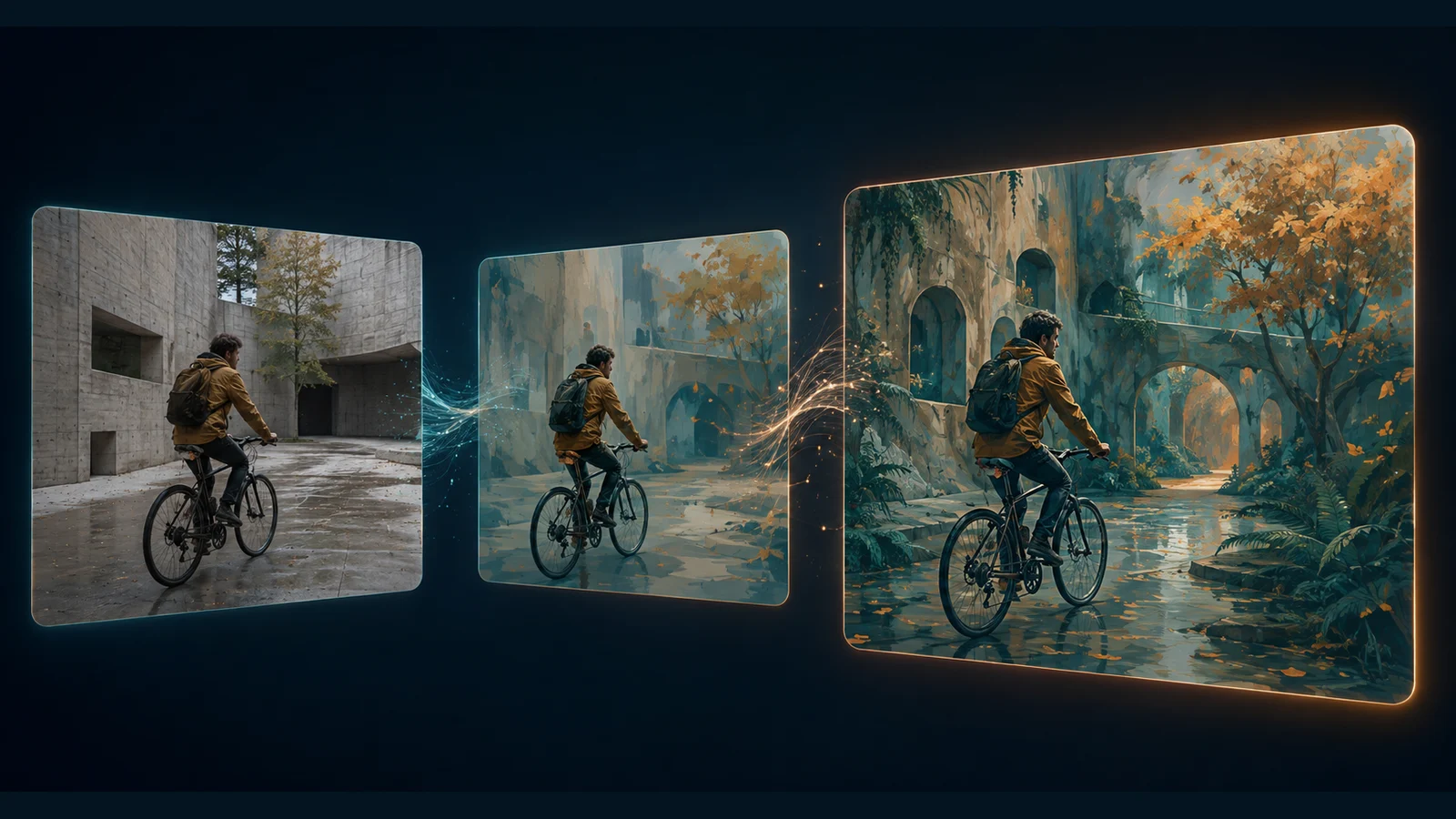
How to Use Video to Video AI
Learn how to restyle a video with AI: prepare source clips, write preserve-and-change prompts, review motion, and troubleshoot flicker or visual drift.
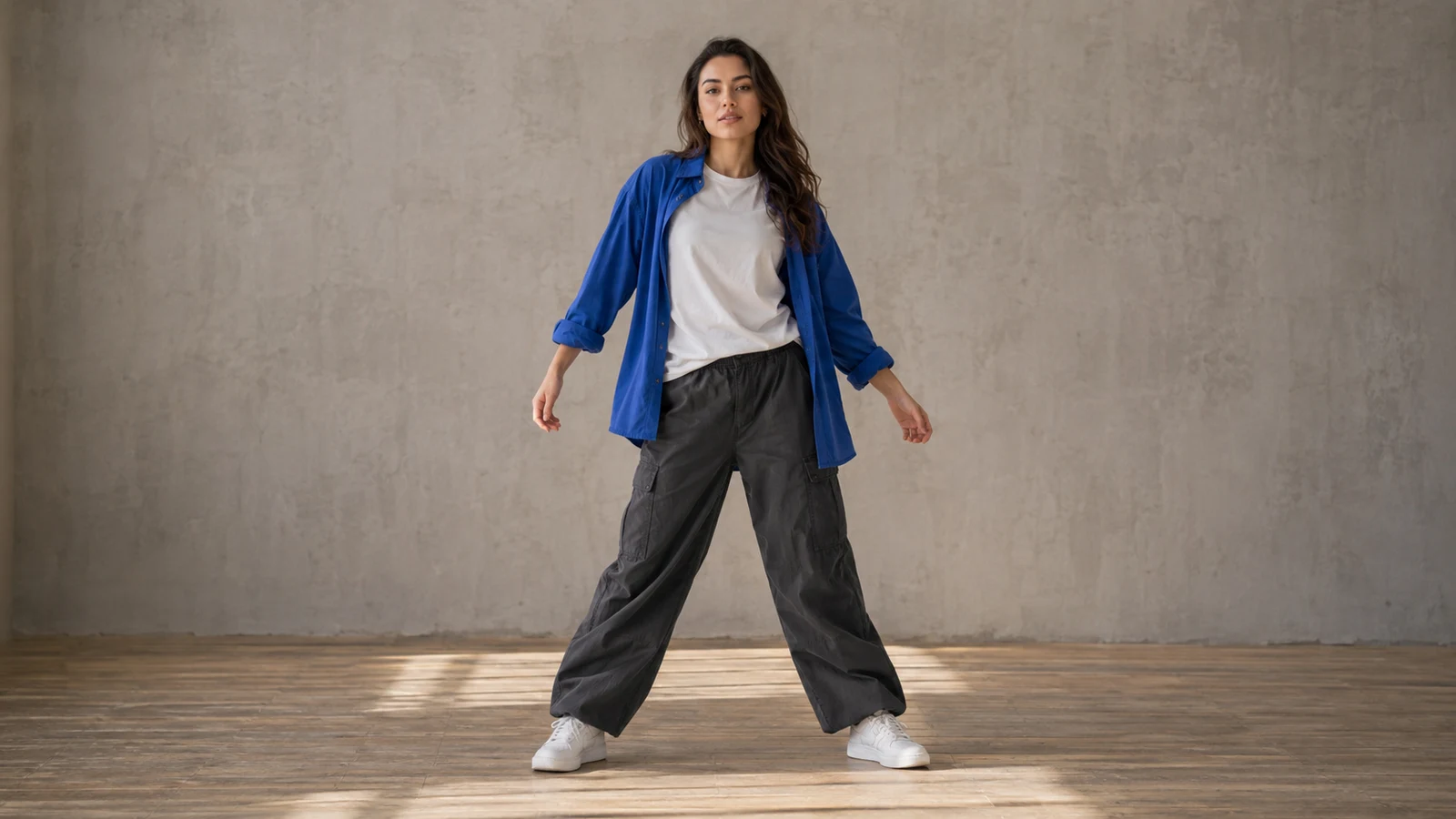
How to Make a Photo Dance with AI
Choose a model, upload a person or character photo, then select a dance sample or upload a motion reference video. The tool handles the instructions for you.
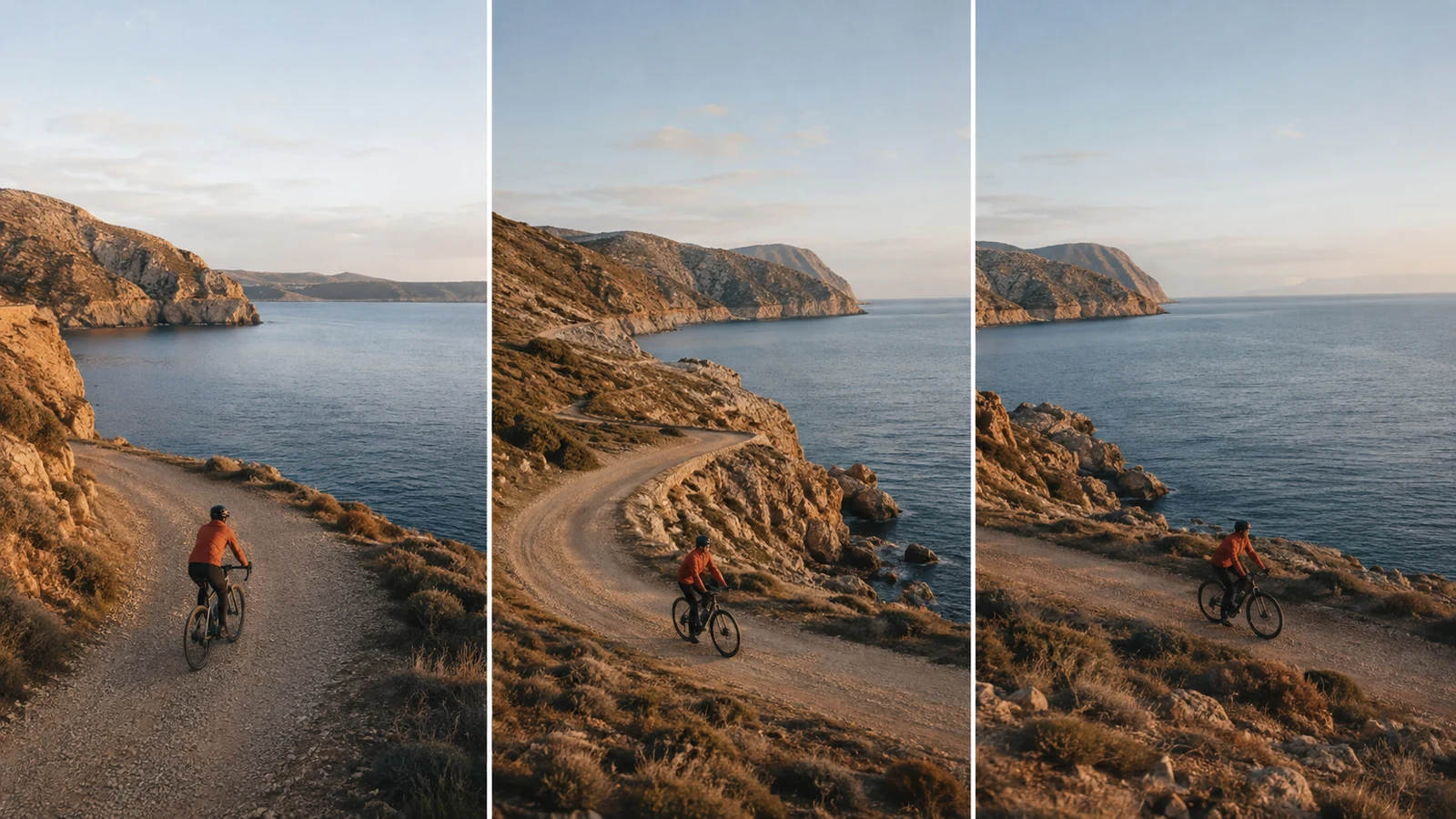
How to Extend a Video with AI
Learn how to extend videos with AI: prepare a source clip, write a continuation prompt, choose settings, and review the result with practical examples.
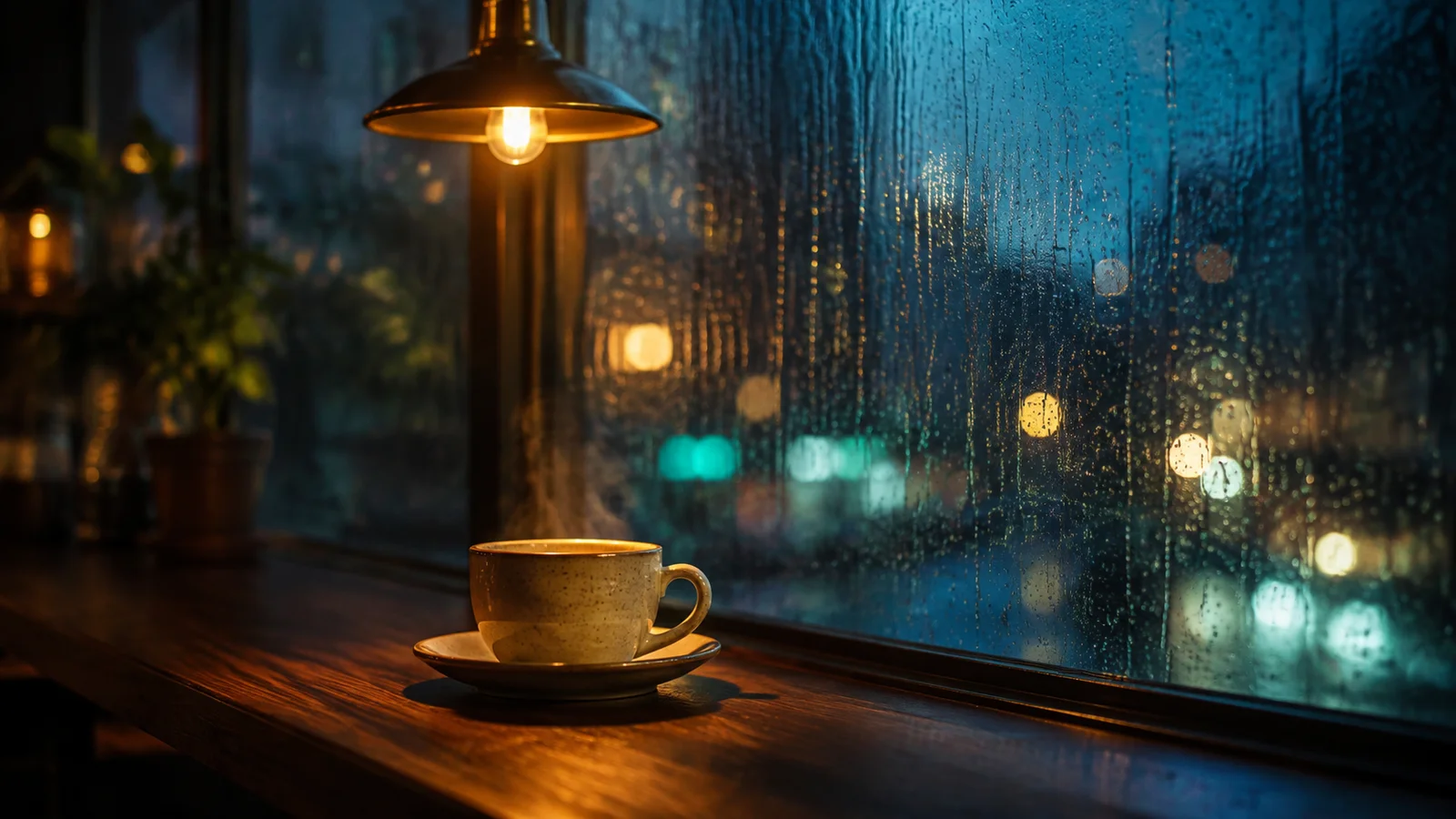
How to Make AI Videos with Audio
Learn how to make AI videos with audio: choose sound settings, write scene and dialogue prompts, and fix silent clips or distracting background sound.
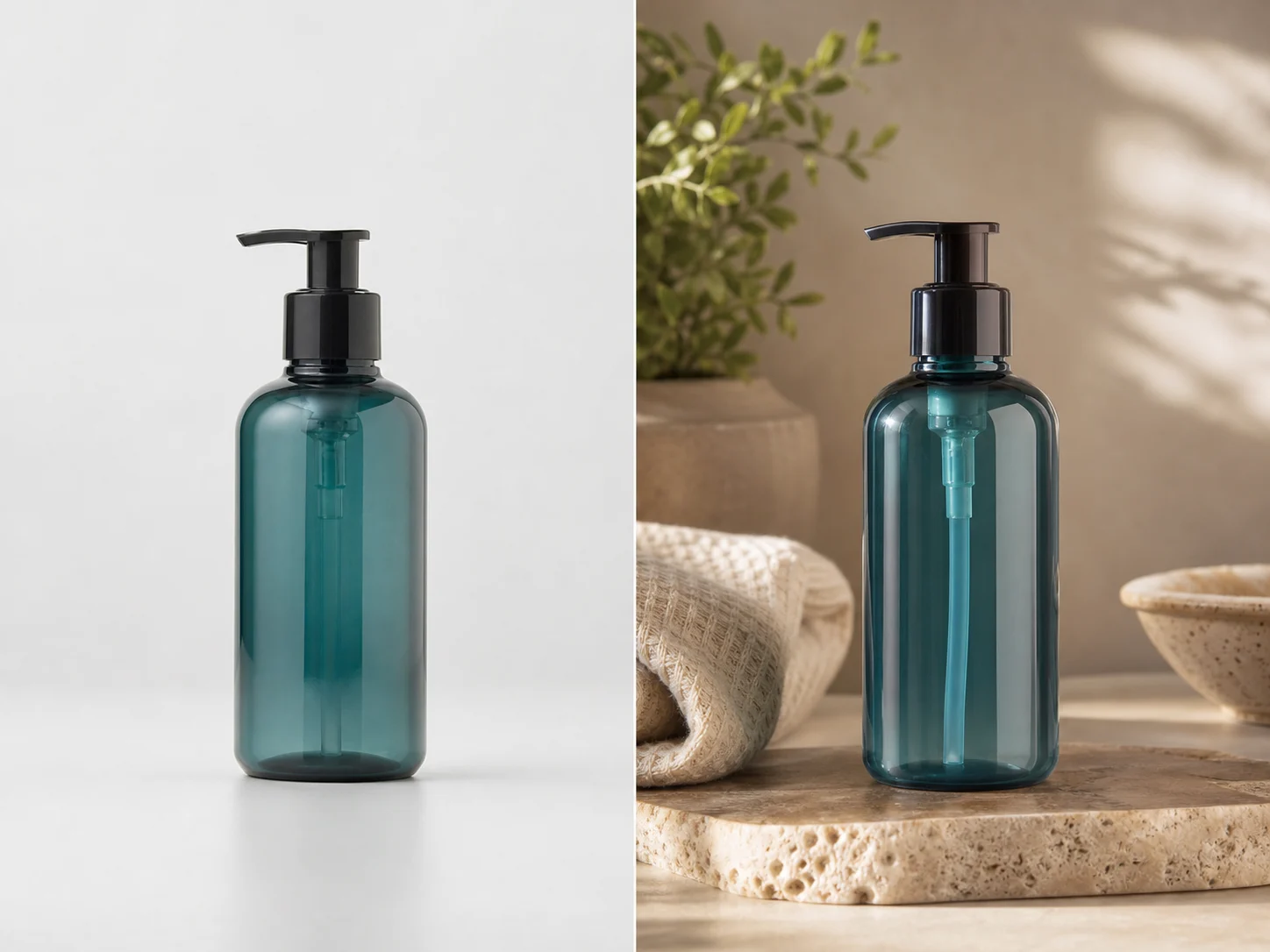
How to Edit Images With AI Prompts
Use prompt patterns for background edits, product photos, style transfer, and video keyframes.
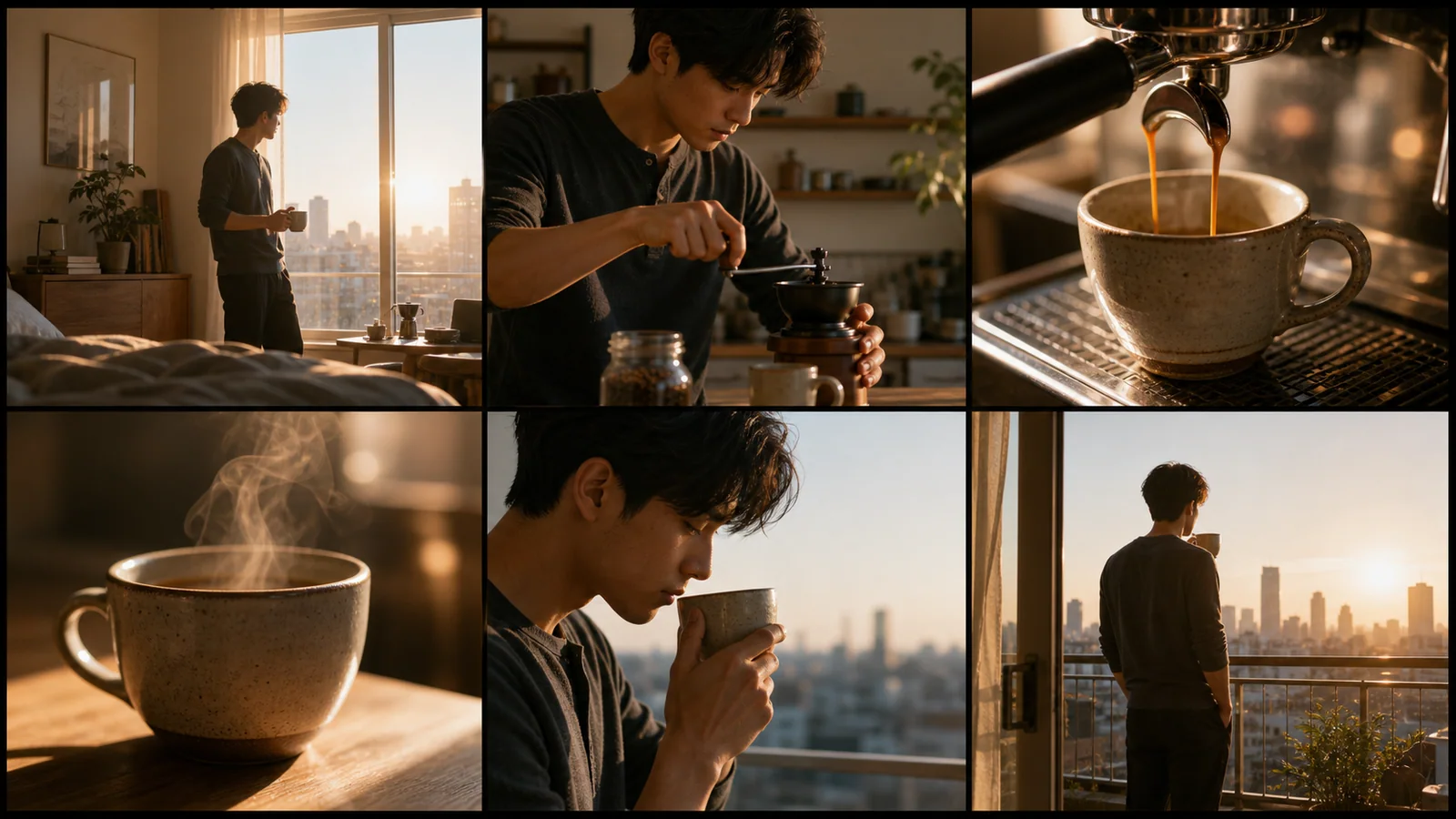
AI Storyboard Generator From Script
Turn scripts, ad concepts, and scene beats into storyboard prompts before generating video clips.
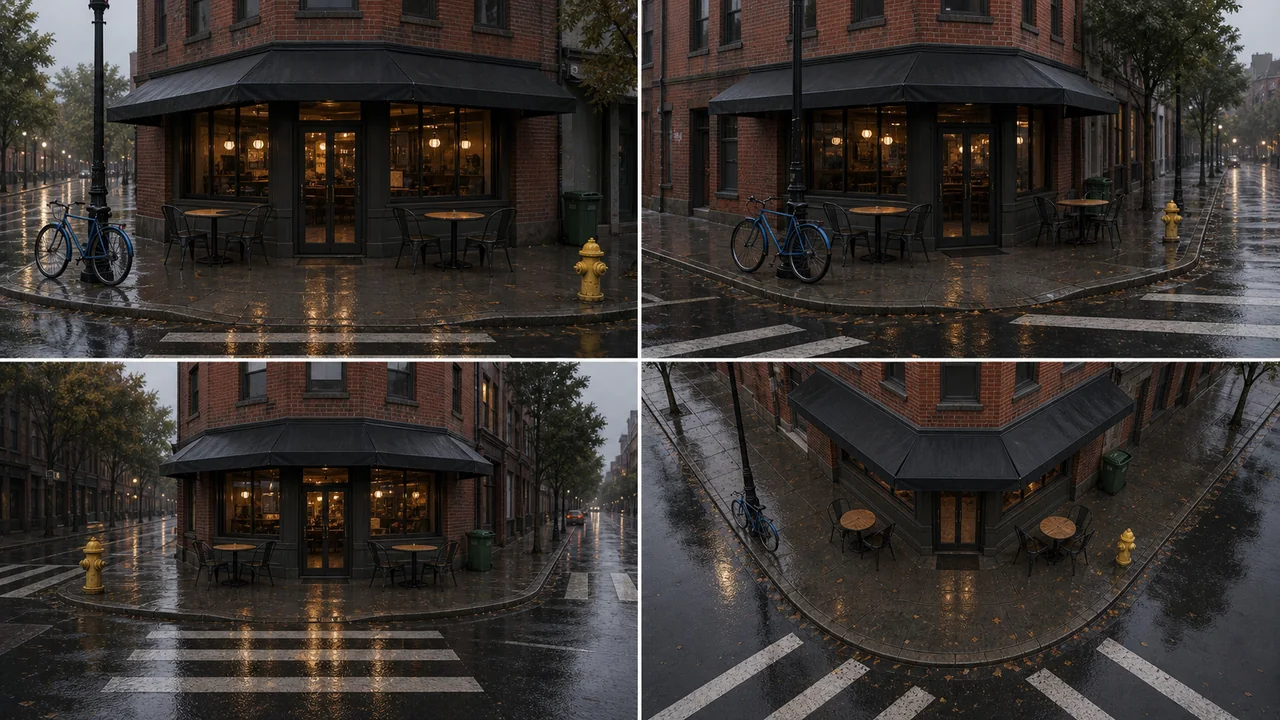
AI Scene Generator Examples
Use example prompts for product scenes, e-commerce templates, multi-angle references, and video planning.
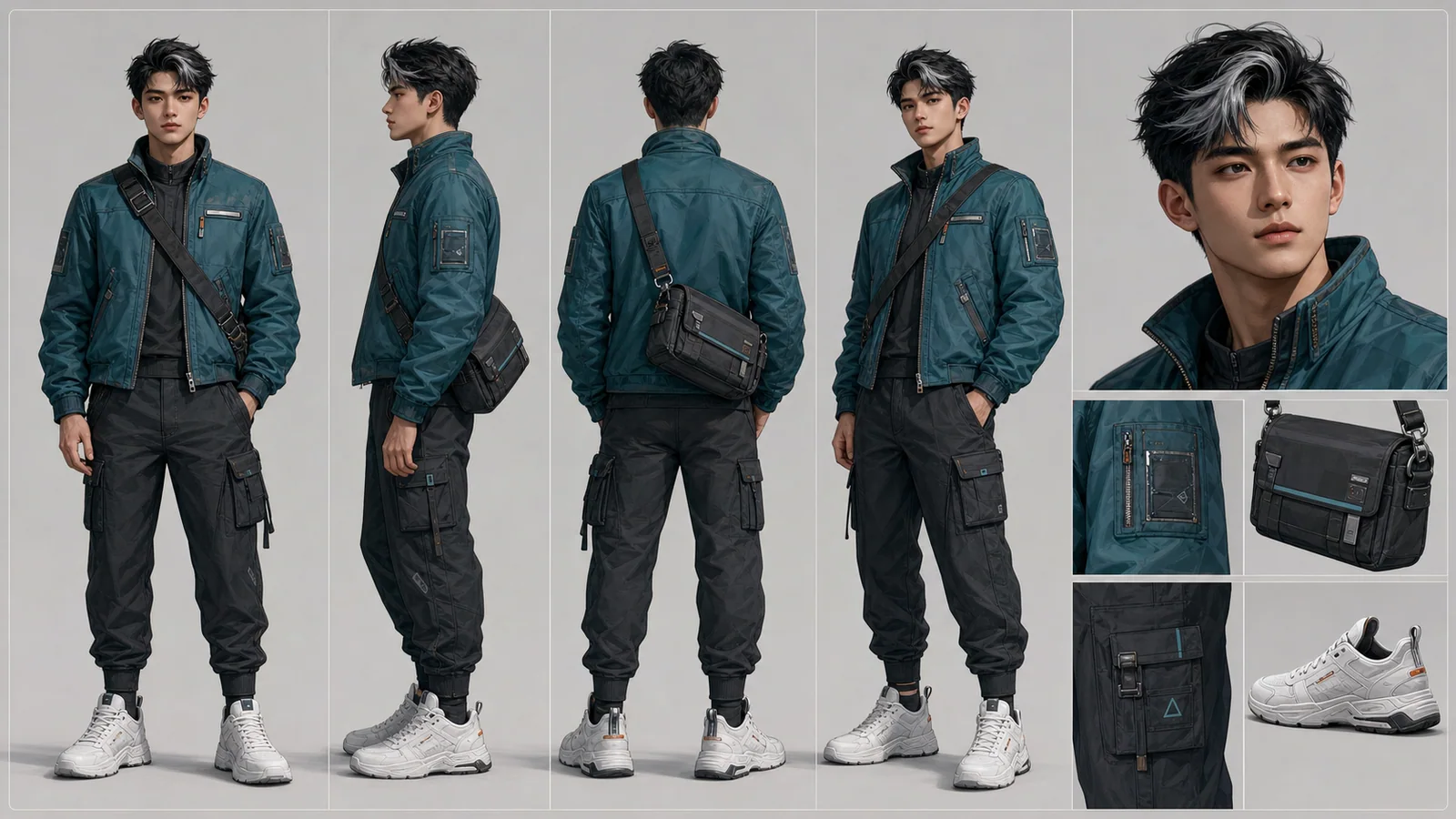
Character Reference Sheet Guide
Plan character identity, views, outfit details, and props before creating a consistent AI character sheet.
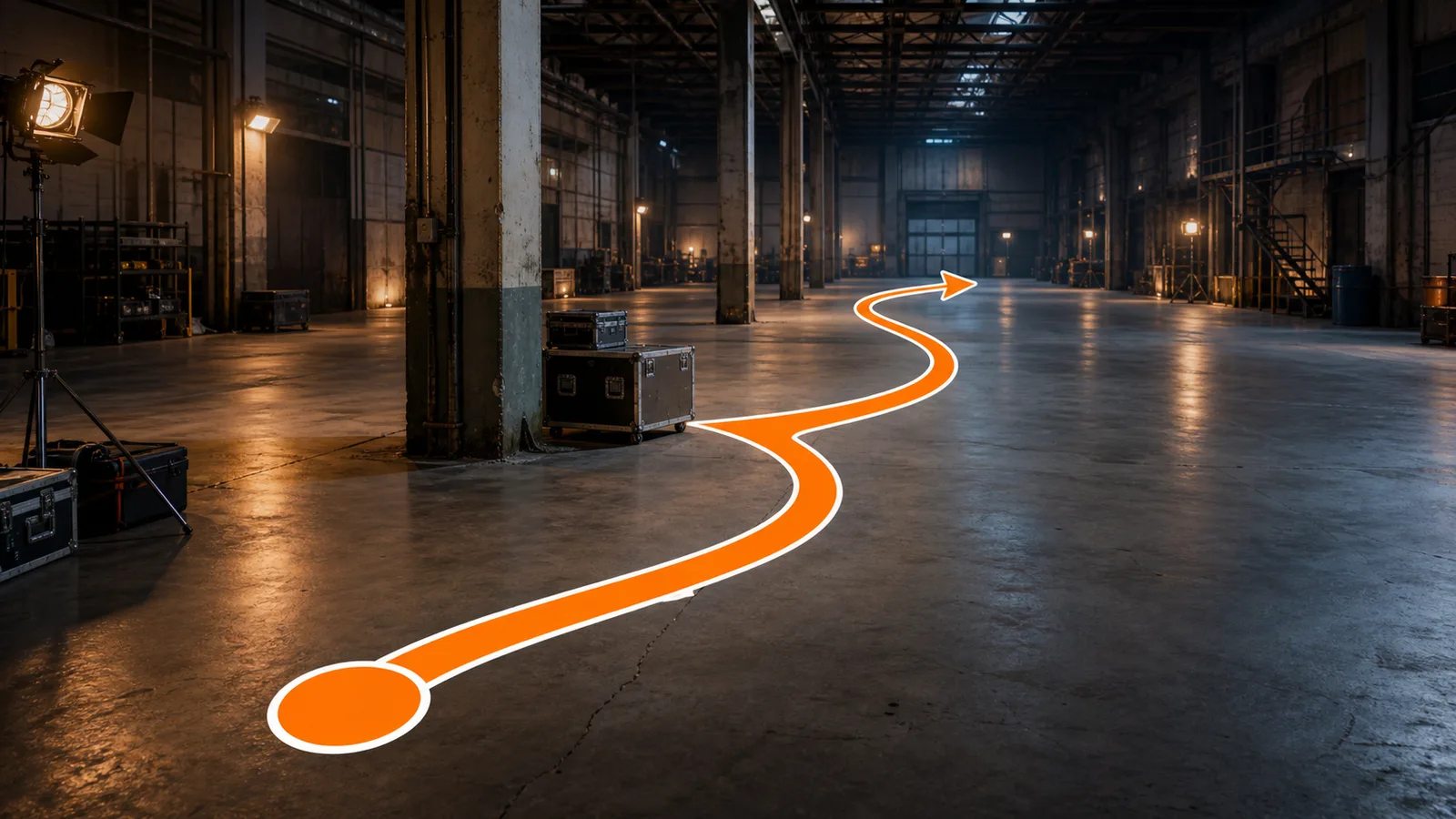
What Is a Motion Path?
Learn how motion paths support actor blocking, camera routes, object movement, game navigation, and previs.
Claude Fable 5 for AI Video Creators
Use Claude Fable 5 to plan scripts, shot lists, prompts, and QA notes before generating videos with LumiYing models.
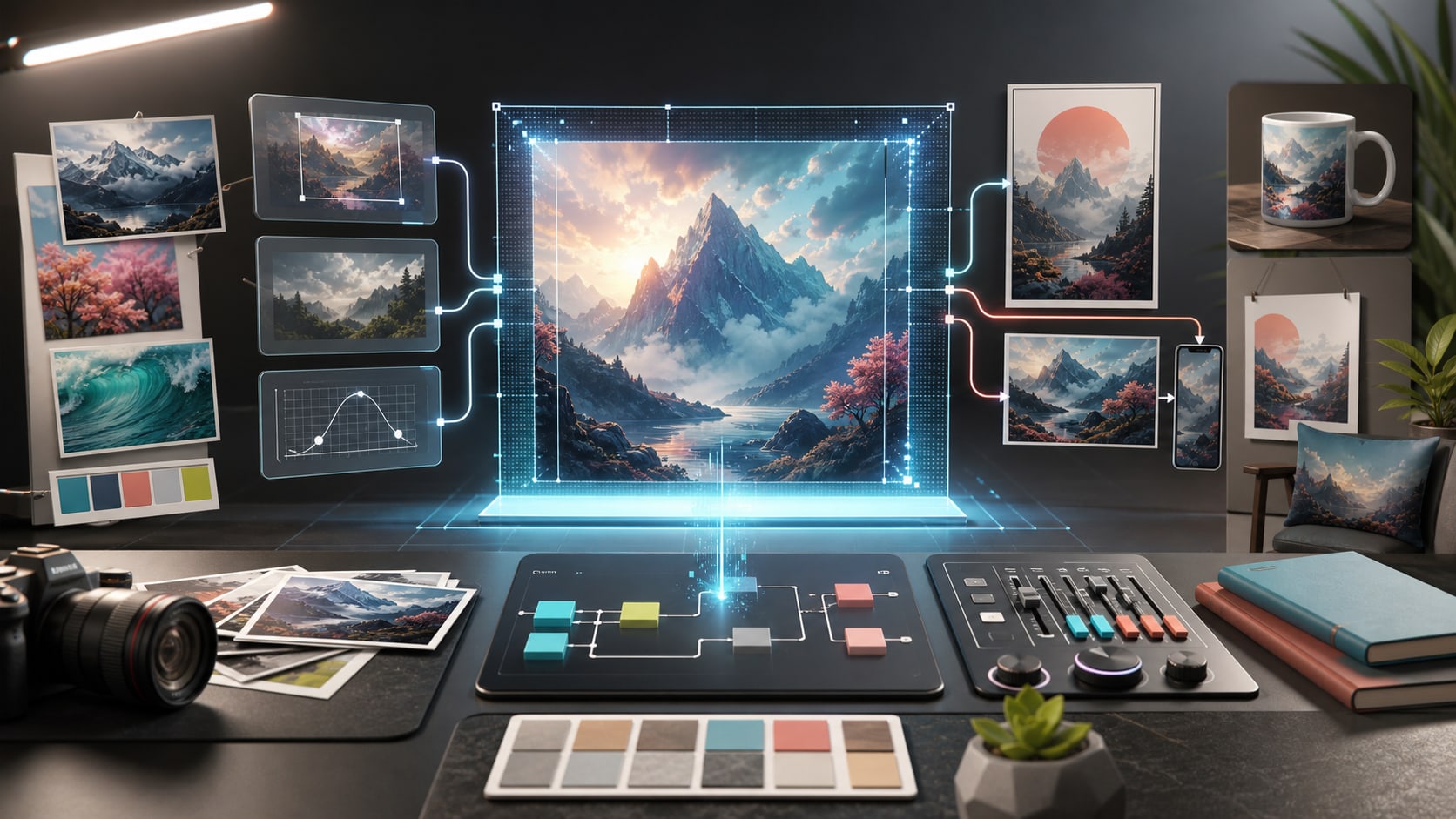
GPT Image 2 Tutorial
Learn a practical GPT Image 2 workflow for prompts, reference-image edits, quality settings, aspect ratios, and iteration inside LumiYing.

What is Seedance 2.0
Understand where Seedance 2.0 fits in an AI creation workflow: supported inputs, strengths, limitations, and when to choose it over other video models.

Seedance 2.0 Tutorial
A practical workflow for creating consistent AI videos with Seedance 2.0: prompts, references, settings, iteration tips, and common mistakes.

Seedance 2.0 API Guide
API reference notes for teams planning automated video generation workflows with Seedance 2.0, including inputs, capabilities, and implementation details.

Seedance 2.0 Pricing
A pricing reference for official Seedance 2.0 API costs, public platform prices, and LumiYing credit-based generation estimates.
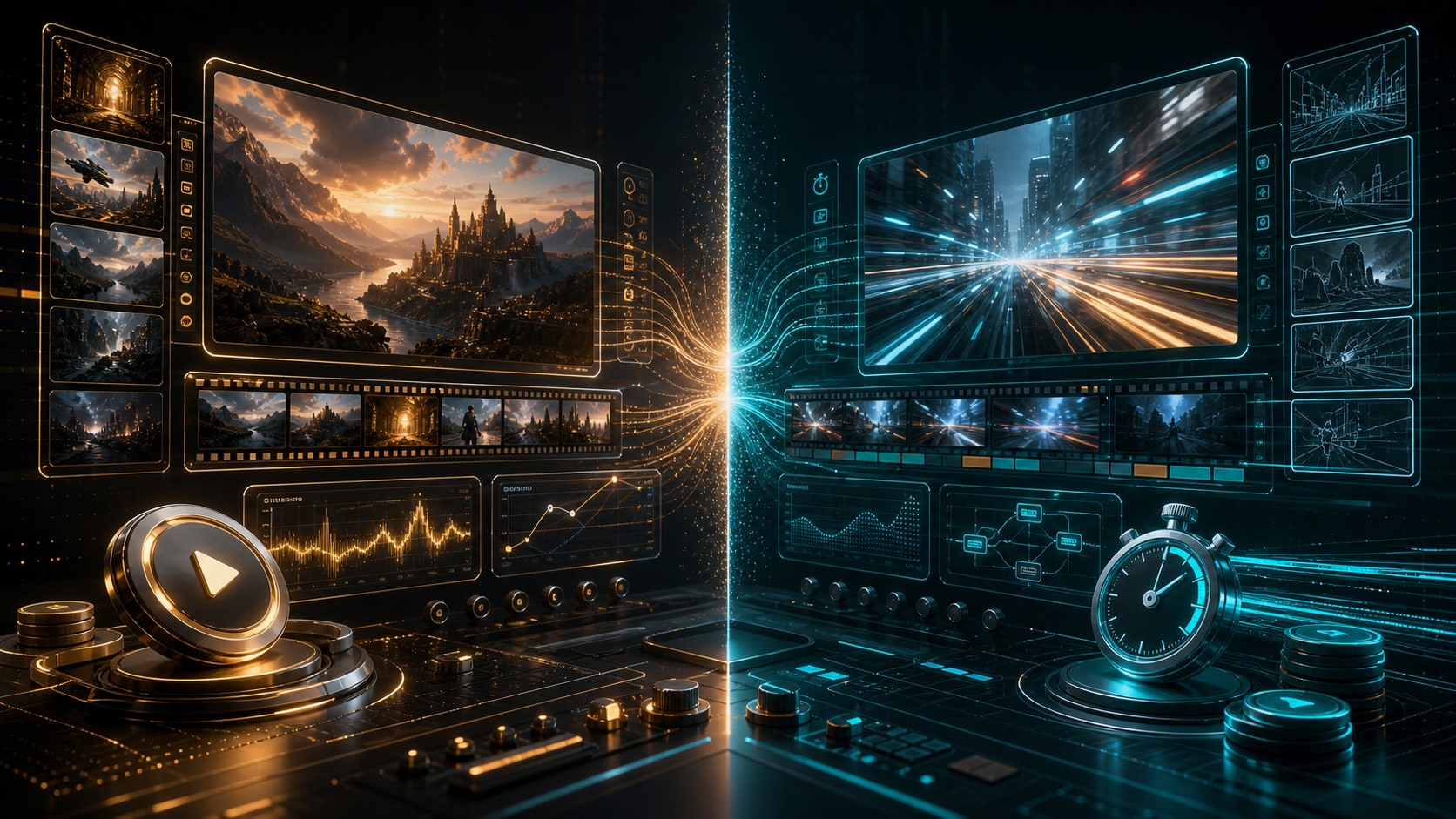
Seedance 2.0 vs Seedance 2.0 Fast
Compare standard Seedance 2.0 and Seedance 2.0 Fast by quality, speed, credits, resolution, reference support, and best-fit production workflows.
Seedance 2.0 vs Seedance 2.0 Mini
Compare the standard Seedance 2.0 workflow with the lower-cost Mini draft workflow for ads, ecommerce, UGC, and prompt testing.

Seedance 2.0 vs Sora 2
Compare Seedance 2.0 and Sora 2 by reference control, motion quality, prompt behavior, audio support, speed, and best-fit use cases.
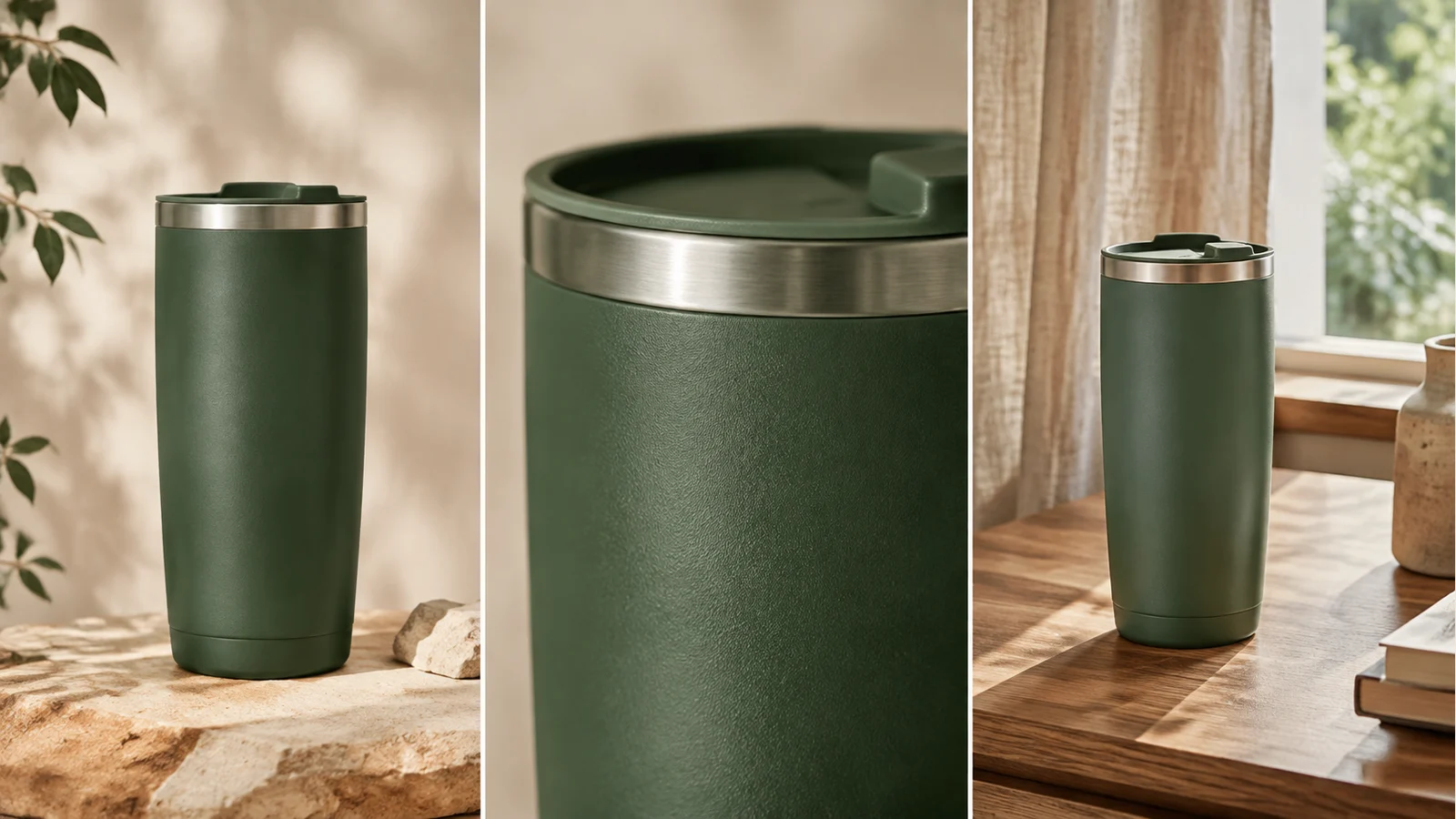
How to Make Product Videos with AI
Plan product shots, compare a controlled motion test, adapt reusable prompts, and verify geometry, motion and delivered media before publishing.
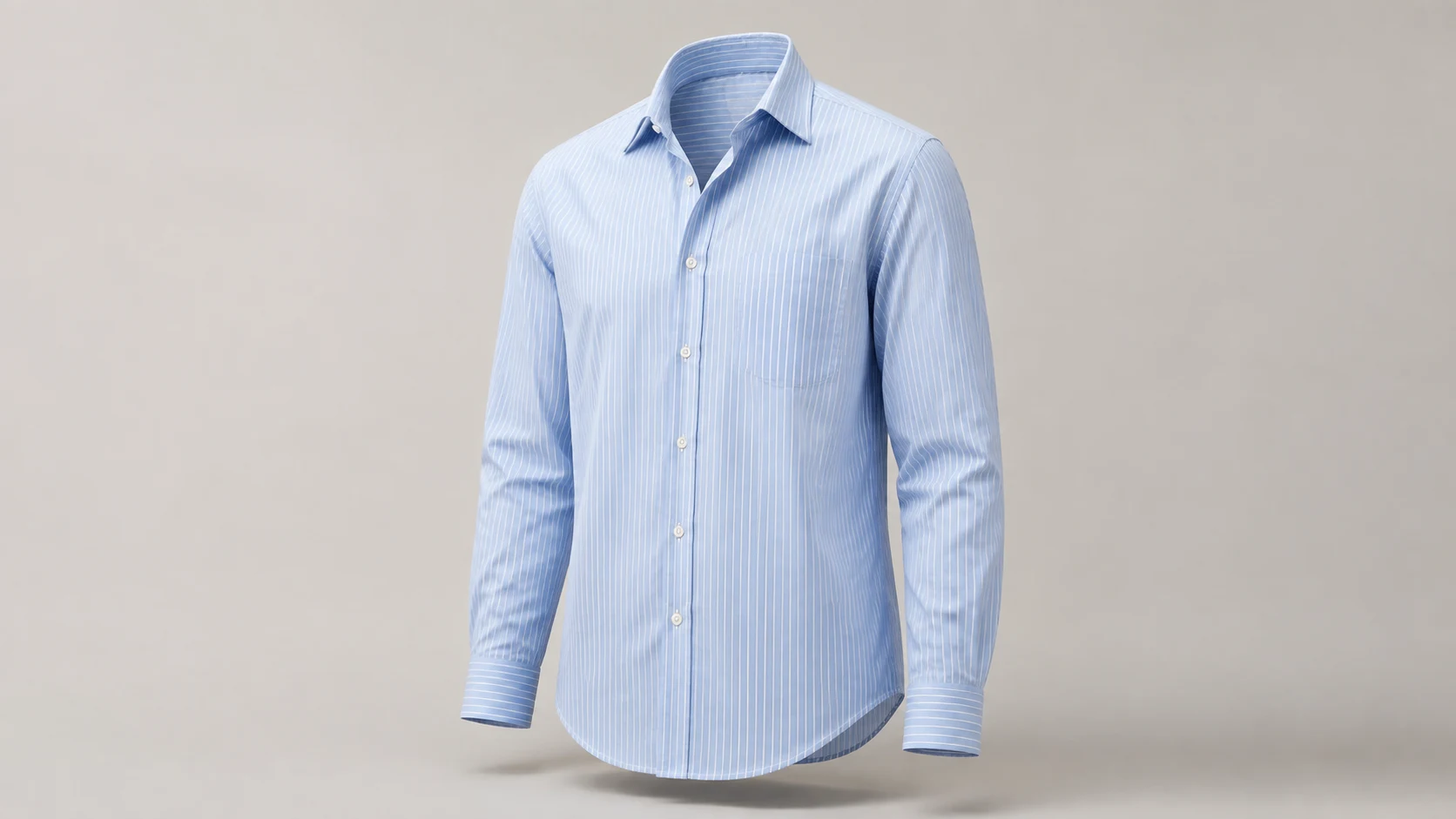
How to Create Ghost Mannequin Photos with AI
Learn how to create ghost mannequin photos with AI using a flat lay, hanger or dress form image. Compare three examples, copy prompts and check garment details.
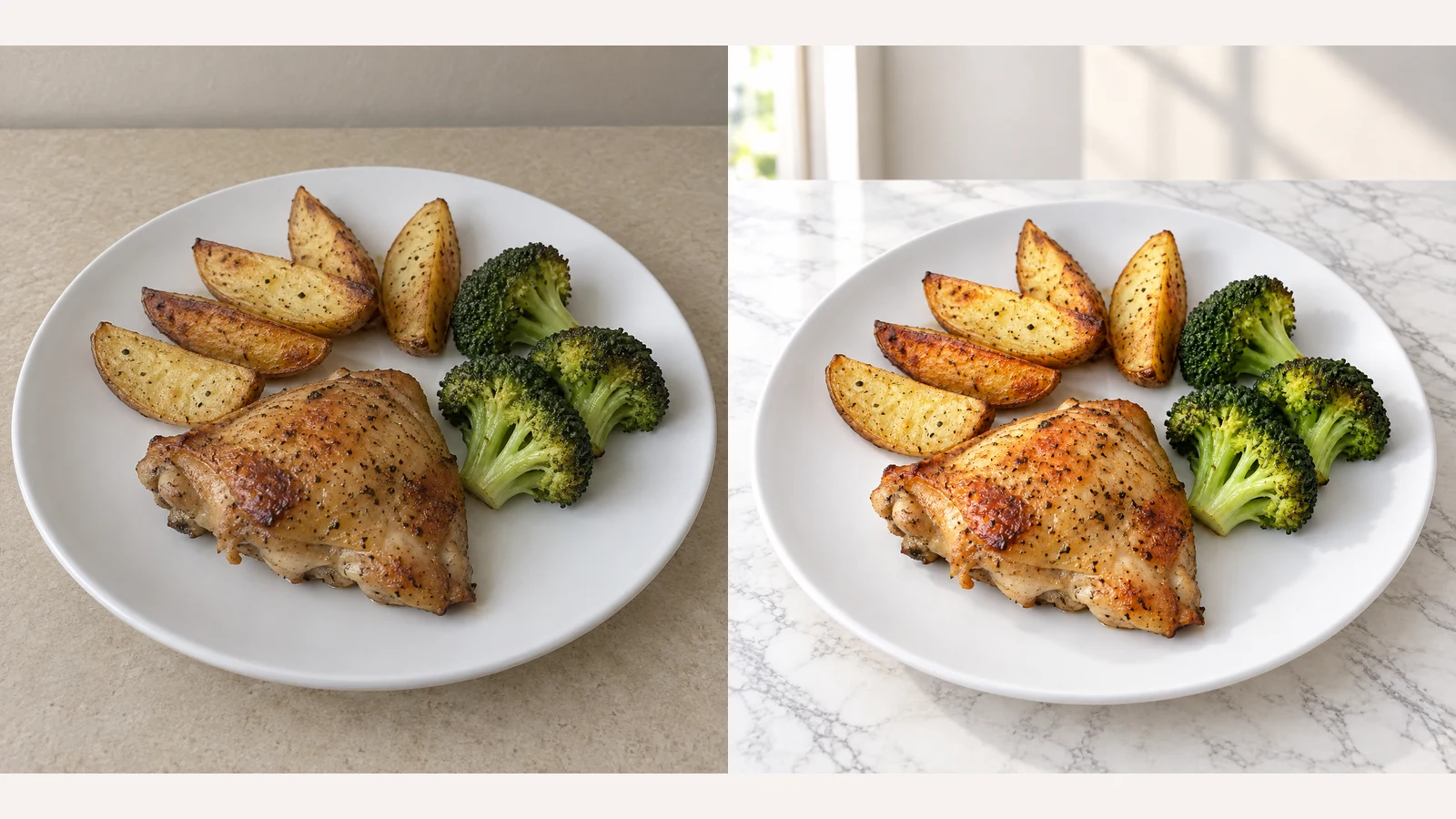
How to Edit Food Photos with AI
Start with the product you actually sell. Follow the workflow, choose appropriate templates and review the result. Background styling should not change what is on the plate.
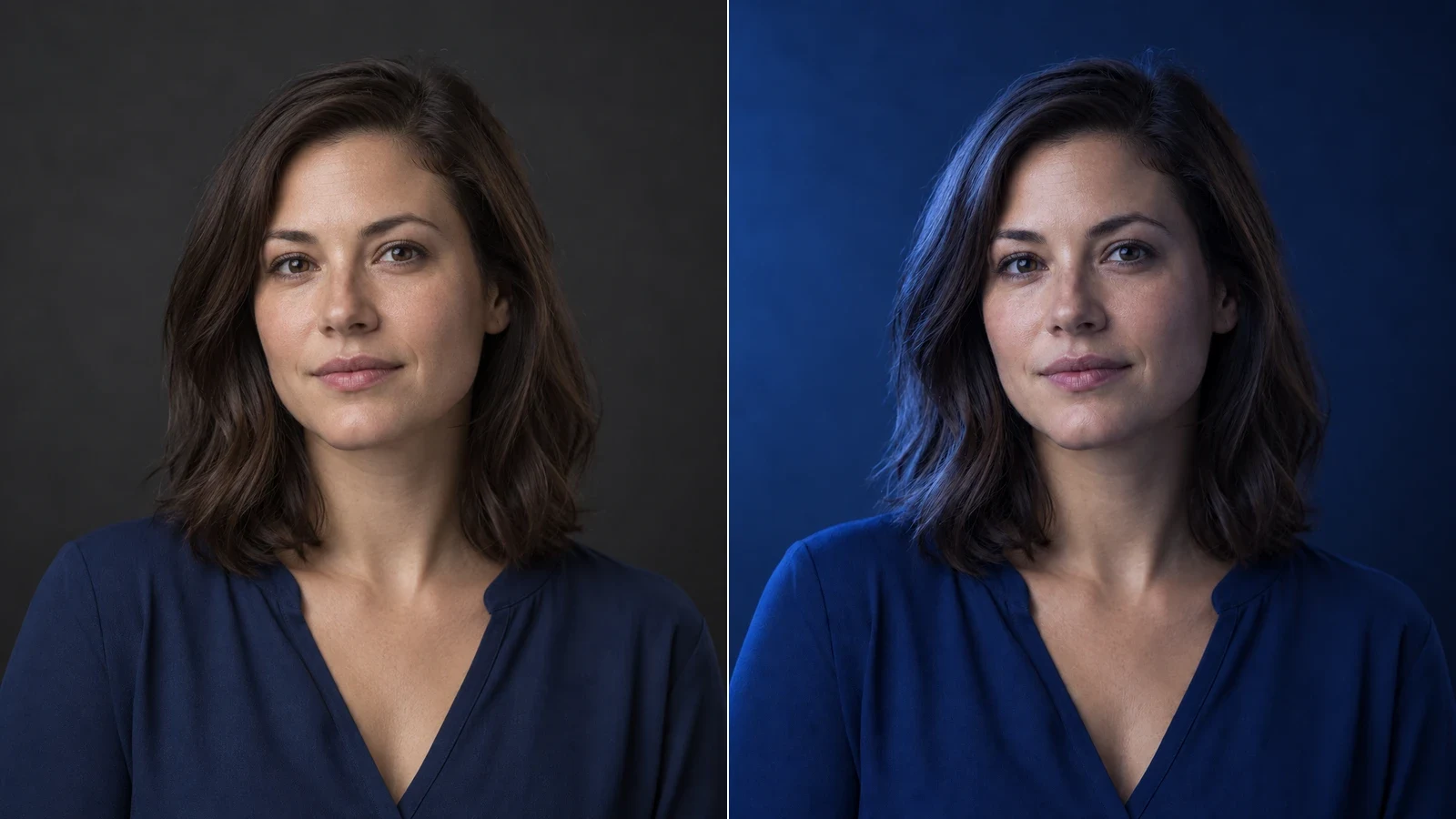
How to Relight a Photo with AI
Learn how to relight a photo with AI: choose a light direction and lighting template, compare examples, and check shadows, highlights, and subject details.
Ready to Create with LumiYing?
Use what you learned here to start a new generation in LumiYing.
Try for Free