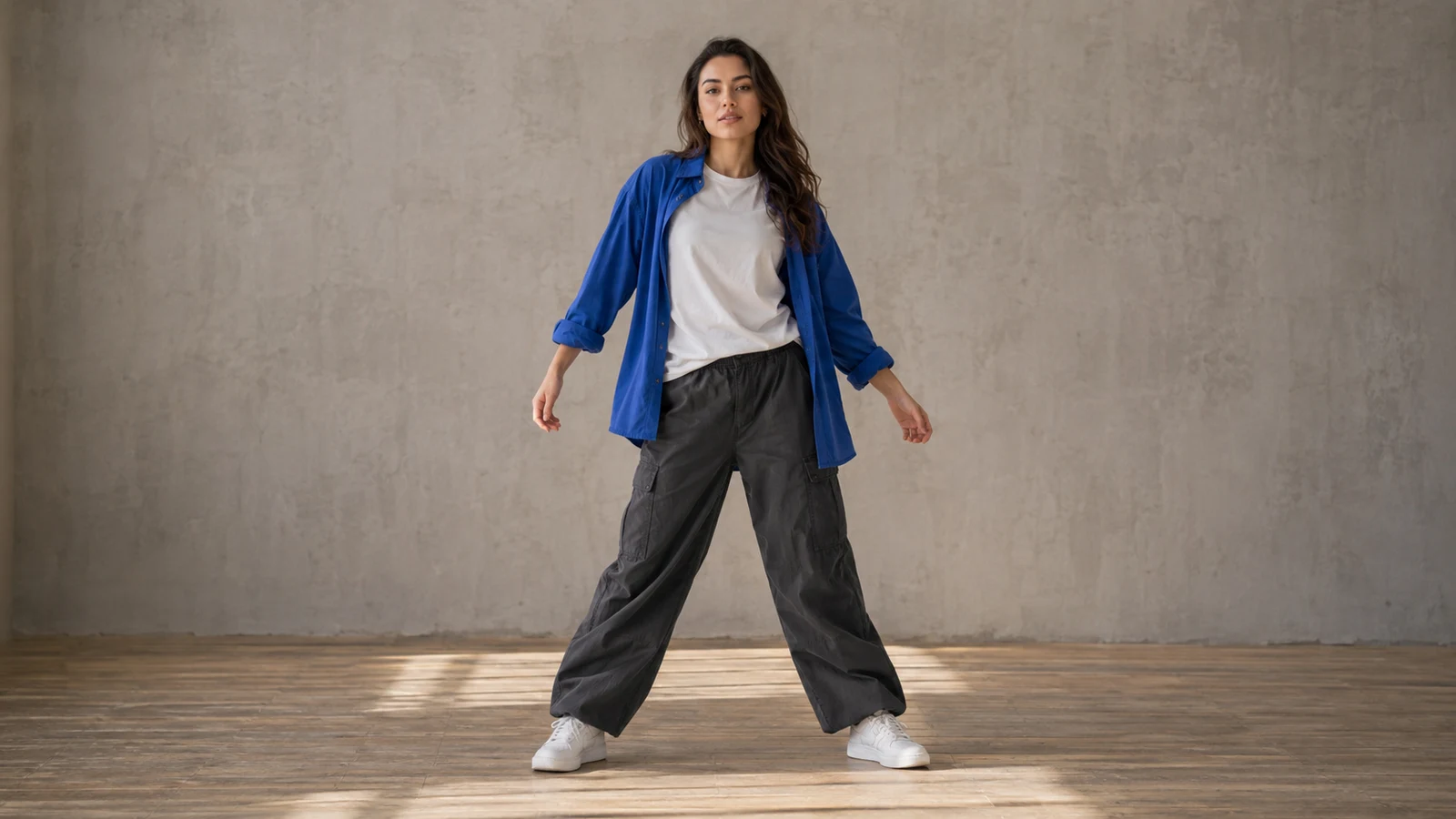
Reference image
Dance video
Side steps and arm swings with both feet in view.
Upload a person or character photo, then choose a dance template or upload your own motion video. Generate a dance clip and review the movement before sharing.
Both options use one photo and one motion video. No written instructions are needed.
The useful detail is not just the face. The frame should show the parts of the body you want to animate.
Output is fixed at 720p and duration follows the reference video. Available aspect ratios and media limits depend on the model. Changing models keeps your media; replace any files marked incompatible.
Videos are generated at 720p. Output duration follows the reference, rounded to whole seconds and raised to the model's minimum when needed. Review the credit cost, then generate.
Watch the face, hands, body proportions and foot contact. If movement breaks down, choose a clearer photo or a simpler motion reference and try again.
Choose a model, upload a person or character photo, then select a dance sample or upload a motion reference video. The tool handles the instructions for you.
Upload one clear person or character photo, or try a sample. Use a full-body image for steps, turns and footwork.
Choose a dance template or upload a motion reference video within the supported upload limits. Use a steady shot with one visible performer. The photo guides appearance; the video guides movement.
Review the displayed credit cost, then generate your 720p dance video. Watch the face, hands, body proportions and foot contact before downloading or sharing.
Watch the face, hands, body proportions and foot contact. If movement breaks down, choose a clearer photo or a simpler motion reference and try again.
Compare the reference images with three existing dance video examples. These are earlier showcases, not new results from the current motion-reference workflow.
Side steps and arm swings with both feet in view.
Shoulder movement and gentle swaying in a waist-up shot.
A stylized character performs playful steps and finishes with a wave.
Change one variable so you can tell whether the next attempt improves it.
Move from preparation to generation, compare a simpler input method, or explore related workflows.
Upload a person or character photo, then choose a dance template or upload your own motion video. Generate a dance clip and review the movement before sharing.
Learn how to restyle a video with AI: prepare source clips, write preserve-and-change prompts, review motion, and troubleshoot flicker or visual drift.
Animate one image when you only need a starting frame and motion prompt.
View the available plans for different creation workflows.
9:16 is a useful starting format for vertical social clips. Keep the dancer away from the edges and leave room for feet and arm gestures. Check the full video before uploading it to your chosen platform.
The reference guides timing, but exact choreography and beat synchronization are not guaranteed. Review the result and align it with a soundtrack in an editor if needed.
Start with a close portrait groove: head nods, shoulders and small visible gestures. If you need full-body footwork, choose or create a suitable full-body image before generating the dance.
Upload a person or character photo, then choose a dance template or upload your own motion video. Generate a dance clip and review the movement before sharing.